Get Started for free
Start Free

Solsta is the build distribution platform for game studios — deliver builds fast, securely, and at scale.

Step 2
Create Account

After downloading Solsta, sign up for a free account or log in with existing credentials to launch the client.

New organizations are verified by the Solsta team before accessing the platform.

Step 3
Integrate and Deploy

Once logged in, visit our recsource center for plugins to your CI/CD system.

Connect your workflow and distribute builds in minutes.

Get up and running fast
Learn More
Supported platforms:
Windows
MacOS
Linux
Do I need an account to download the Solsta client?
Yes. To use the Solsta build distribution client, you need a Solsta account and an invitation from your organization's admin. Once added, the Solsta launcher automatically displays the products and build environments your team has shared with you — no manual configuration required.
Is the Solsta client free to use?
Yes. The Solsta client is free to download and use. Basic Users can download, install, and update game builds your organization distributes. Paid plans unlock additional features like permissioned environments, governance controls, and advanced data management.
What platforms does the Solsta client support?
The Solsta build distribution client runs on Windows and macOS. Studios using Enterprise plans can also configure console device deployment for Xbox (PlayStation and Nintendo Switch coming soon).

DOWNLOAD CENTER

To use Solsta you must:
Accept an invitation from your team's Solsta Admin
Create User Account
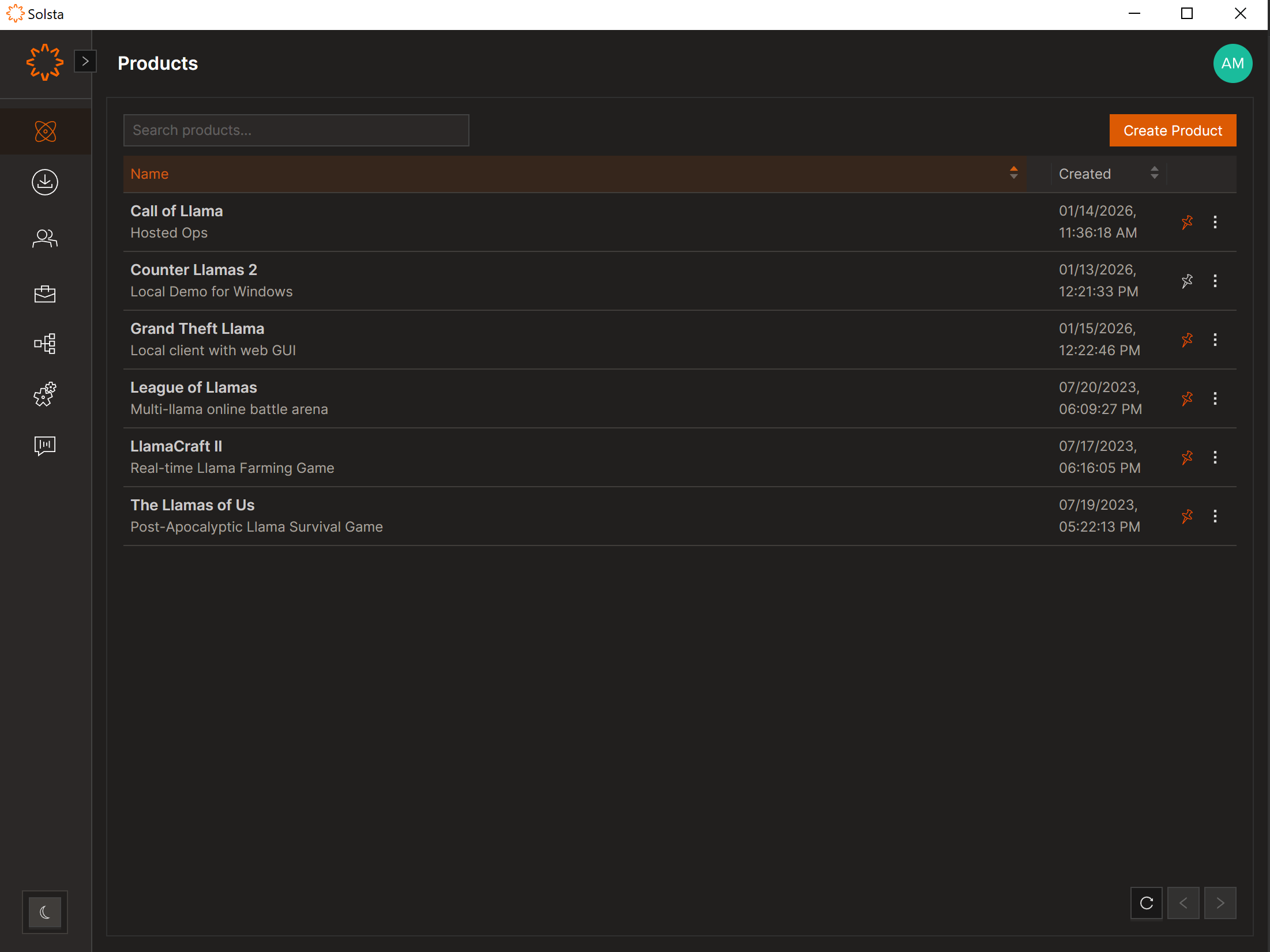
Download Solsta Desktop Application
Solsta Desktop Versions
Version 2.0
Full Release Notes
Latest Release
ReleasedFebruary 17, 2026
NEW UI UPDATE
NAVIGATION BAR MENU
VARIOUS BUG FIXES

SOLSTA COMMAND LINE INTERFACE

Automate your deployments and updates using our powerful CLI.
Download CLI
Released
Oct 27, 2025
Current Version:
7.2.185
Supported Platforms:
The Xbox logoThe Linux Logo
View Guide
View on GitHub
Request Access
CI System
Version
Download link
GitHub Actions
N/A

System Requirements

Self-hosted Linux runners must have docker installed
GitLab CI
N/A

System Requirements

GitLab Runners must have .NET 8 and Python 3.9+ installed
MSFT .NET 8 – Installing either the .NET 8 SDK or Core Runtime is sufficient.
Linux instances will need python3-venv installed
TeamCity
v1.71

System Requirements

Windows 10+, macOS 11+, and Linux (Ubuntu 22)
TeamCity Professional 2024.12.2 (build 174504) or newer.
MSFT .NET 8 – Installing either the .NET 8 SDK or Core Runtime is sufficient.
QuickBuild
v1.39

System Requirements

For Windows 10+
Solsta Plugin is supported on QuickBuild 14.0.11, 2024-05-19
MSFT .NET 8 – Installing either the .NET 8 SDK or Core Runtime is sufficient.

System Requirements

Linux – Ubuntu v22
Solsta Console Tools – Downloaded through the use of the Deployment Executable.
MSFT .NET 8 – Installing either the .NET 8 SDK or Core Runtime is sufficient.
SDK 8.0.403 & .NET Runtime 8.0.10
Package Manager Instructions
Windows Deployment Executables
v3.10.0

System Requirements

Windows 10+
Solsta Console Tools – Downloaded through the use of the Deployment Executable.
MSFT .NET 8 – Installing either the .NET 8 SDK or Core Runtime is sufficient.
Each plugin includes:
Data-deduplication
Gzip compression
Zero-scripting setup
Don’t see your CI system?
Let us know
Invite your team
Automate your deployments and updates using our powerful CLI.
Not a user yet?
Contact your Solsta admin about access.