


Environments
Repositories
Promote/Publish
Teams
Launch Buttons
Promotions
Tagging
CLI Guide


min
Create Product
Overview:
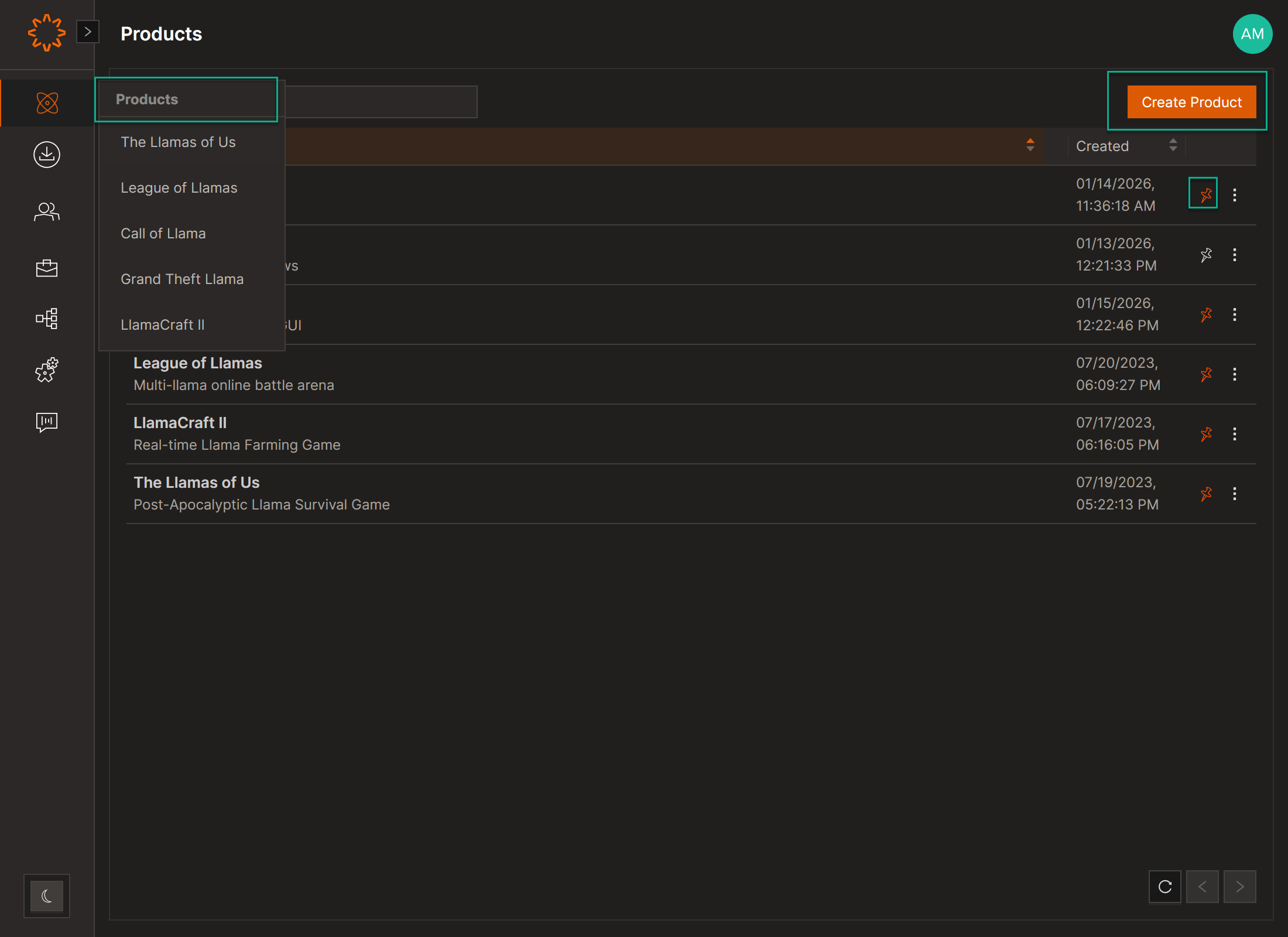
A Product is the top-level container in Solsta: your game, app, or project. A product can contain multiple Environments (like dev, staging, or production) and Repositories.
Steps to Create
- Log in to the Solsta Desktop Application using an Admin account.
- Navigate to your Product tab.
- Click Create Product (top rightcorner).
Note: Products are managed from the Solsta Desktop Application by users with Admin-level access.
DOs
DONTs
Pro Tips
Products are managed from the Solsta Desktop Application by users with Admin-level access.


