


Environments
Repositories
Promote/Publish
Teams
Launch Buttons
Promotions
Tagging
CLI Guide


1
min
Product Members
Overview:
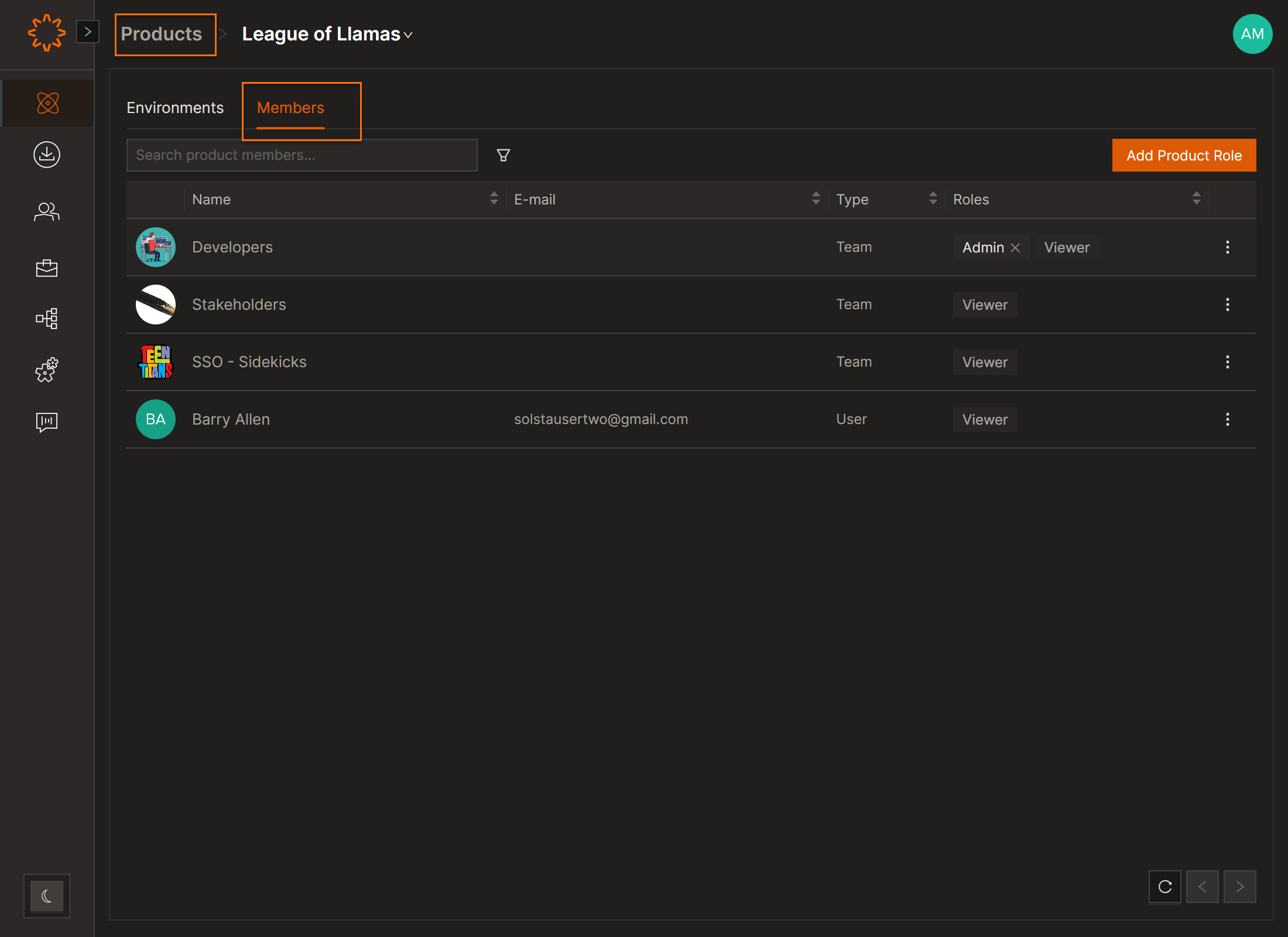
Under Product / Envrionment levels you can view assigned teams, roles, and permissions.
View Product Members
- Go to Products.
- Select the product.
- Open the Members tab.
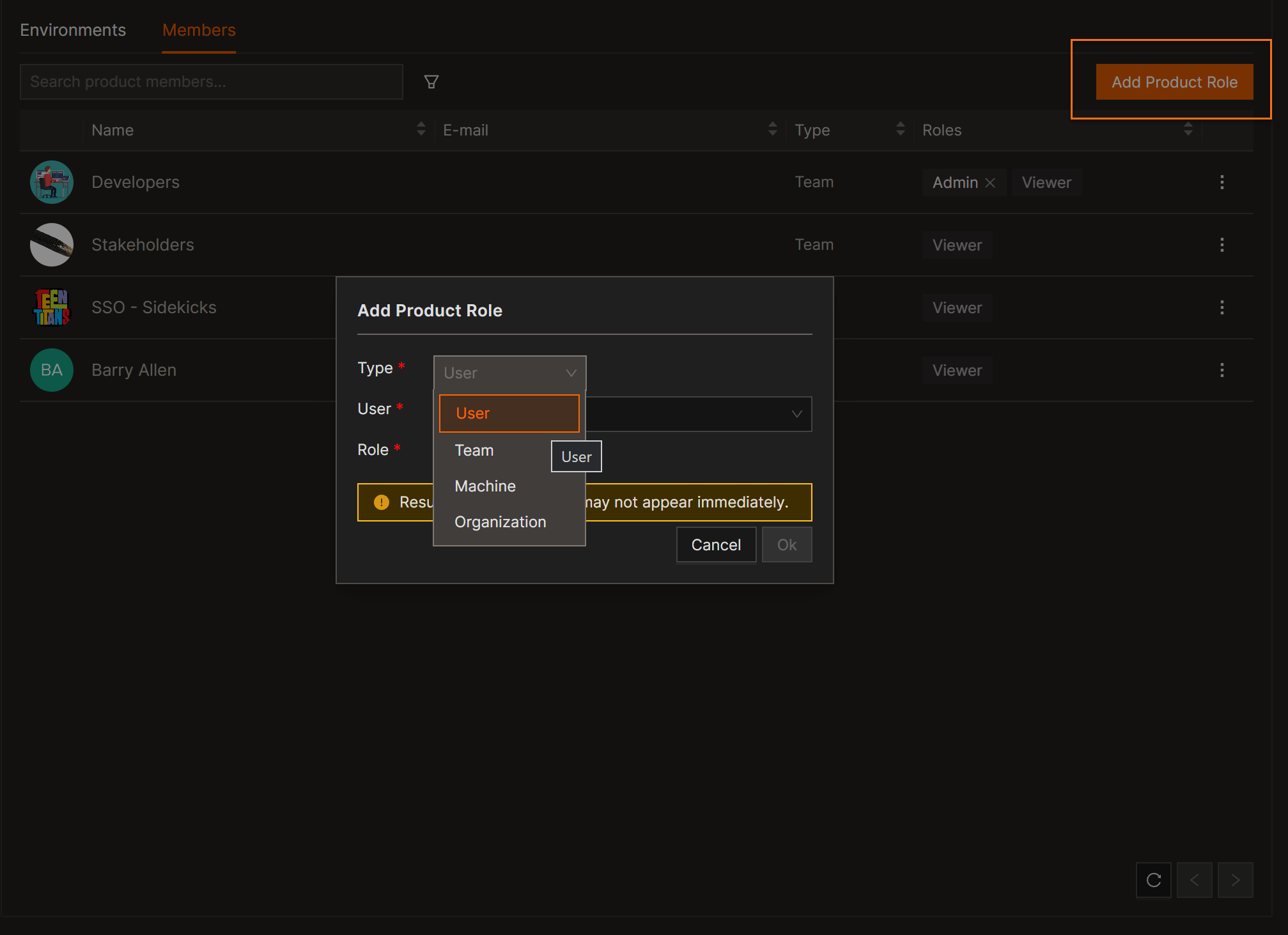
The Members tab shows all entities with access to the product:
- Users – Individual user accounts
- Teams – Segmented groups
- Machines – Service or automation identities
- Organizations – Parent-level entities with inherited access
DOs
DONTs
Pro Tips


