


Environments
Repositories
Promote/Publish
Teams
Launch Buttons
Promotions
Tagging
CLI Guide


2
min
Pinning Products
Overview:
After creating a product, you can pin it to your sidebar for quick access.
How It Works
- Go to Products Home Screen
- Select one or multiple products
- Click Pin to Sidebar
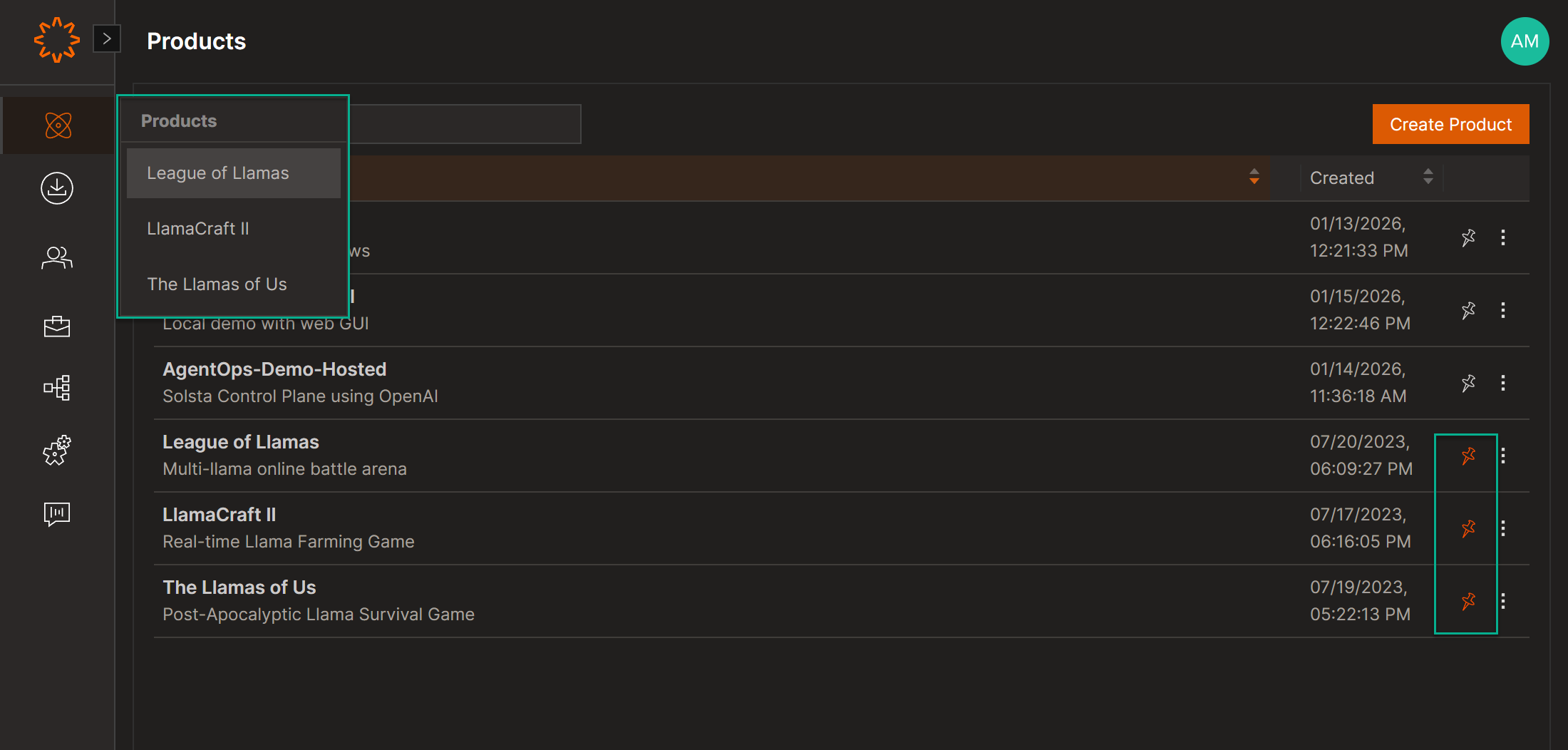
Pinned products appear in your sidebar menu for faster access — similar to a favorites list.
DOs
DONTs
Pro Tips
You can pin as many products as needed and update them anytime.


