


Environments
Repositories
Promote/Publish
Teams
Launch Buttons
Promotions
Tagging
CLI Guide


2
min
Environment Members
Overview:
Viewing environment members allows you to see who has direct or inherited access to that specific environment and adjust permissions as needed.
Note: Environment roles apply only to a specific Environment.
Environment-Level Members
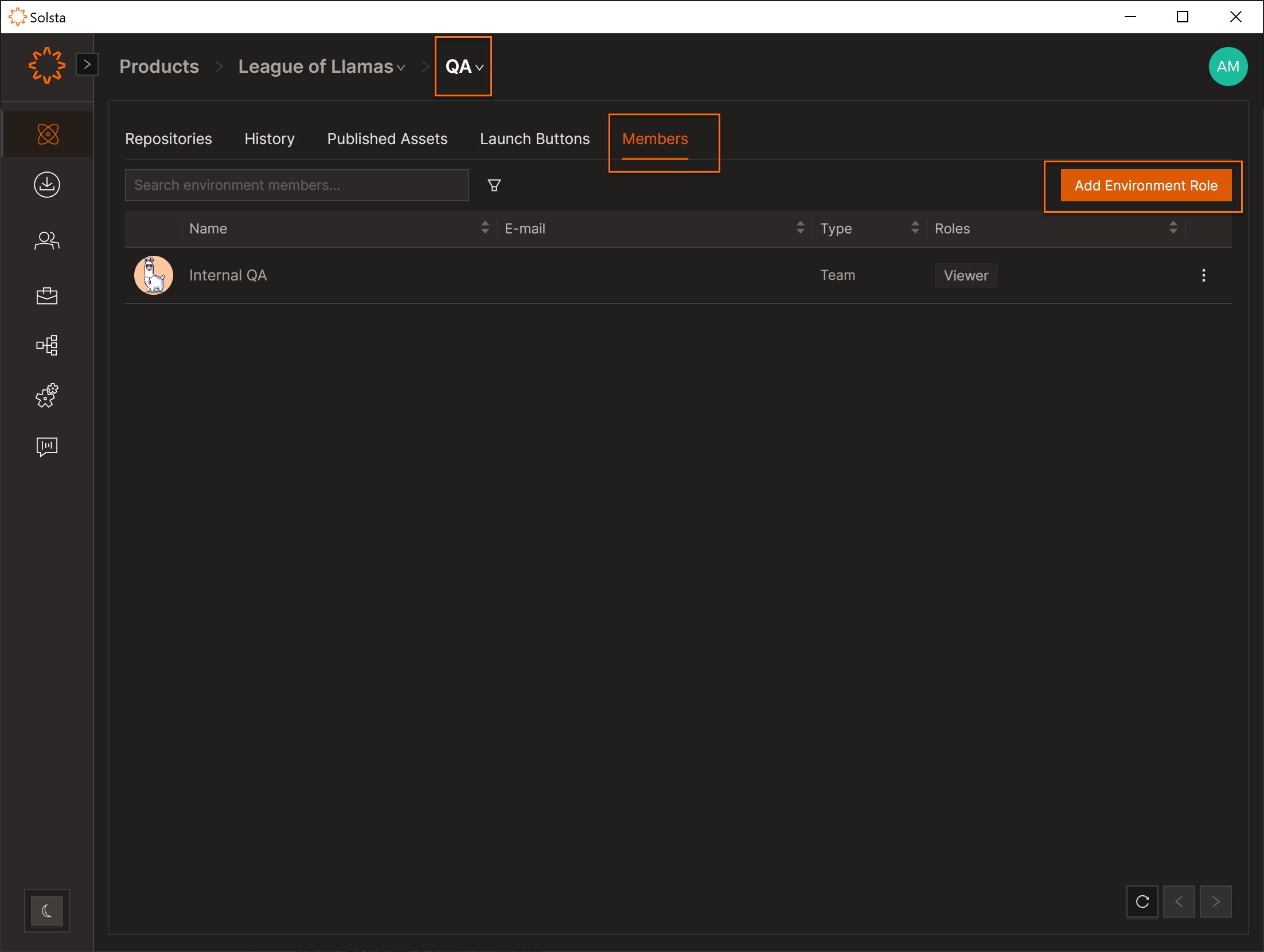
- Open Products.
- Select a Product.
- Open the Environment.
- Go to the Members tab.
- Click Add Environment Role to assign access.
Environment Member Roles
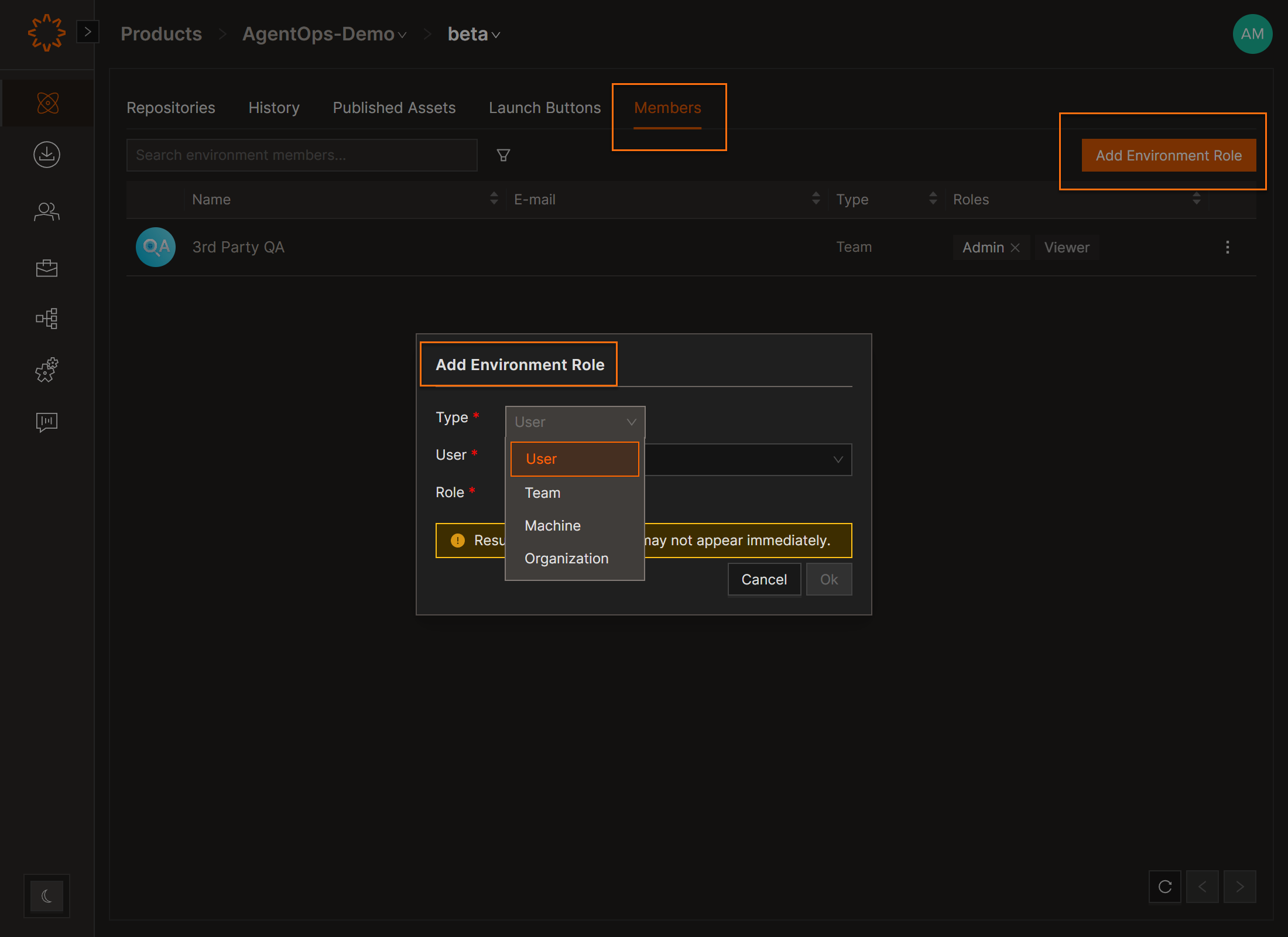
- Click Add Environment Role.
- Select the entity type:
- User
- Team
- Machine
- Organization
- Assign a role:
- Viewer
- Admin
- Click Save.
DOs
DONTs
Pro Tips


